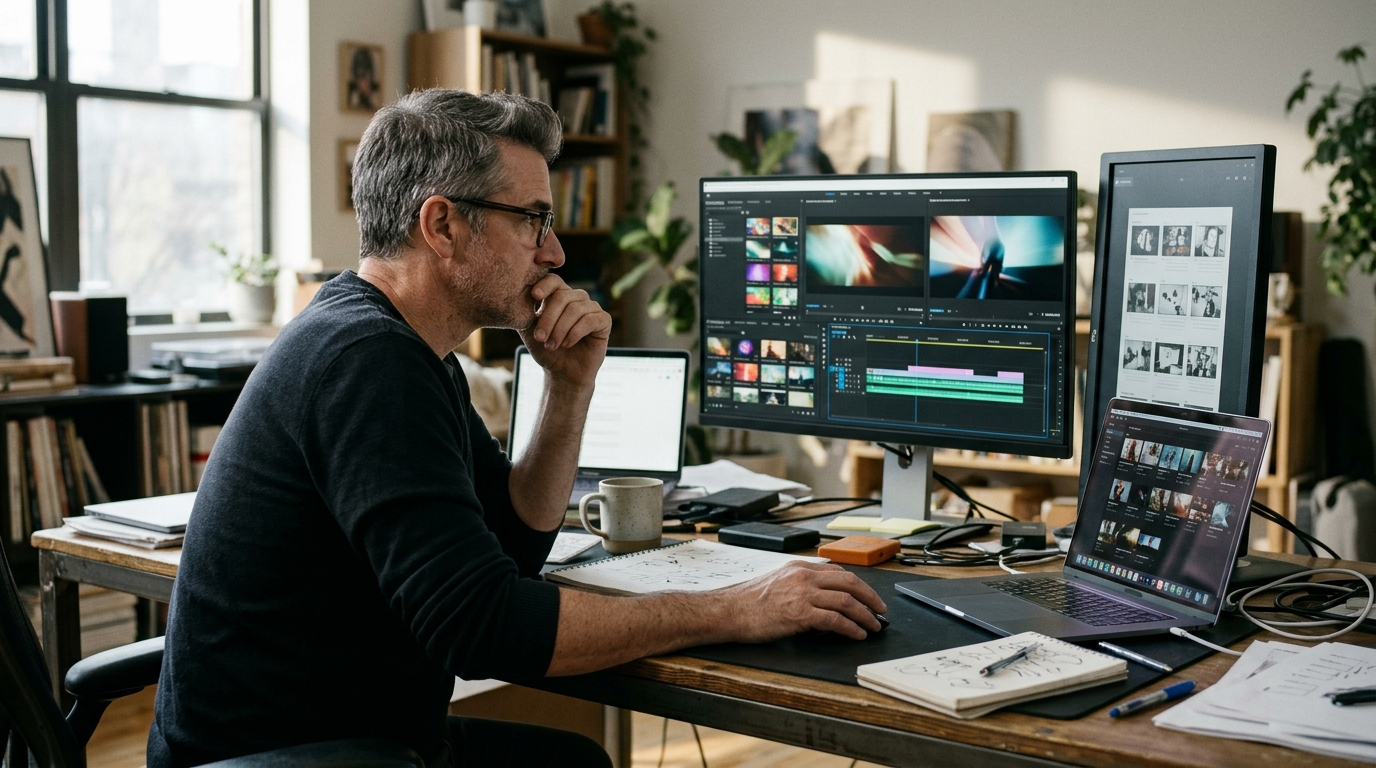
AI video maker lets brands create high-quality videos rapidly and at a fraction of traditional production costs. By 2026, a typical brand video workflow with an AI video maker begins with inputting your script or brief, choosing style presets, and uploading brand assets. The AI generates drafts, allows for quick edits, and delivers ready-to-publish content—sometimes within hours.
The cost difference is significant: licensing a top AI video maker platform may range from $300 to $2,000 per month, while traditional production for similar quality often starts from $7,000 per video. This article details the workflow, costs, and how AI video makers compare to classic production in speed, flexibility, and creative output. Here’s what brands need to know before choosing an AI video solution in 2026.
AI Video Makers in 2026: Capabilities, Features, and Market Leaders
AI video maker platforms are essential creative tools for brands in 2026. Leading products like InVideo AI, HeyGen, Veo, Kling, and Seedance offer complete video production workflows—from concept to delivery—without cameras or on-site shoots. Today’s ai video generator technology automates everything from storyboard creation to high-res exports, supporting diverse formats for campaigns, social, and e-commerce.
Top AI Video Maker Platforms
- InVideo AI: Rapid commercial content, advanced brand asset integration, intuitive text-to-video workflows.
- HeyGen: Hyper-realistic avatars, multi-language voiceovers—ideal for global communication.
- Veo: Google-backed, excels in cinematic storytelling and complex, multi-scene generation.
- Kling: Generative set design for unique environments and stylized visuals.
- Seedance: White-label ai video creator for agencies, with extensive API access and collaborative tools.
Essential Features for Brands
- Generative AI for Visuals and Storyboards: Instantly create custom scenes, locations, and shot lists from text prompts or visual references.
- Text-to-Video Generation: Turn scripts or briefs into video drafts in minutes, drastically reducing production cycles.
- Brand Asset Integration: Upload and automatically apply logos, color palettes, and fonts for consistent branding at scale.
- Format Flexibility: Export in all key ratios and resolutions—high-res stills, 9:16, 1:1, 16:9—ready for any channel.
- Collaborative Review and Revisions: Built-in tools for feedback and multiple revision rounds to keep projects moving.
- Rights and White-Label Options: Full commercial rights transfer and agency-friendly delivery, critical for global brand compliance.
These features define the standard for ai video makers in 2026, enabling brands to produce creative, on-brief content—faster and without traditional shoot limitations.
Step-by-Step Workflow: Creating a Brand Video with AI in 2026
Transitioning from features to process, let’s examine how brands actually create videos with AI tools. An effective workflow is structured for speed and precision, involving three main roles: the brand (client), creative director (concept lead), and AI operator/editor (technical execution). Each role brings unique expertise; clear alignment ensures cohesive results.
Roles and Responsibilities in AI Video Production
- Brand/client: Provides the strategic brief, clarifies objectives, and approves each stage.
- Creative director: Translates the brief into a creative concept, drafts the script, and oversees visual direction.
- AI videos creator/editor: Operates generative platforms, builds the storyboard, generates assets, and completes editing.
Most agencies use a hybrid approach, combining human creativity with AI efficiency. For example, Animagine Solutions directs every step, ensuring human oversight in both ideation and execution. This human-in-the-loop method elevates AI-generated videos into crafted, on-brand assets.
AI Brand Video Production Checklist:
- Gather a detailed brief: audience, KPIs, visual guidelines.
- Develop creative concept and key messages.
- Write a concise script and detailed shot list.
- Build a visual storyboard using AI-powered tools.
- Generate video assets with an ai videos creator, adjusting style and pacing to fit the brand.
- Edit, add music, voiceover, and color grade with a professional ai videos editor.
- Conduct internal and client reviews; implement up to two revision rounds.
- Deliver the final video in all required formats—vertical, square, and high-res stills.
Following this workflow, brands can make ai video assets that align with strategy and creative vision, minimizing friction and maximizing impact.
Real Project Cost Breakdown: Animagine Solutions Case Study
To understand the practical impact, consider this real-world example.
Project Overview
A US-based consumer tech brand hired Animagine Solutions for a 60-second AI-generated brand video. The brief required cinematic visuals of futuristic urban environments, three product hero shots, and localizations for US, UK, and German markets. All visuals and stills were produced with generative AI, directed by Animagine’s creative team.
Budget and Timeline
Total project cost: $8,900. Breakdown: $2,500 for creative concept, scripting, and shotlist; $1,400 for storyboarding; $3,000 for AI-driven video and stills generation (using proprietary and commercial AI video maker tools); $1,200 for post-production (editing, sound, voiceover in three languages); $800 for two rounds of client revisions. Timeline: 12 working days from kickoff to final delivery. Key milestones—day 2: script approval; day 5: storyboard signoff; day 9: first draft video; day 12: final assets delivered in 9:16, 1:1, 16:9, and high-res stills.
Results and Client Feedback
Deliverables included three market-specific video versions, 16 high-res key visuals, and full commercial rights. The brand reported 18% higher engagement than previous campaigns, with a 40% reduction in production lead time. ROI improved due to lower overhead and faster rollout. The client rated the project as “exceeding expectations” in flexibility, creative quality, and responsiveness. This case shows the tangible benefits of partnering with an AI video maker like Animagine Solutions.
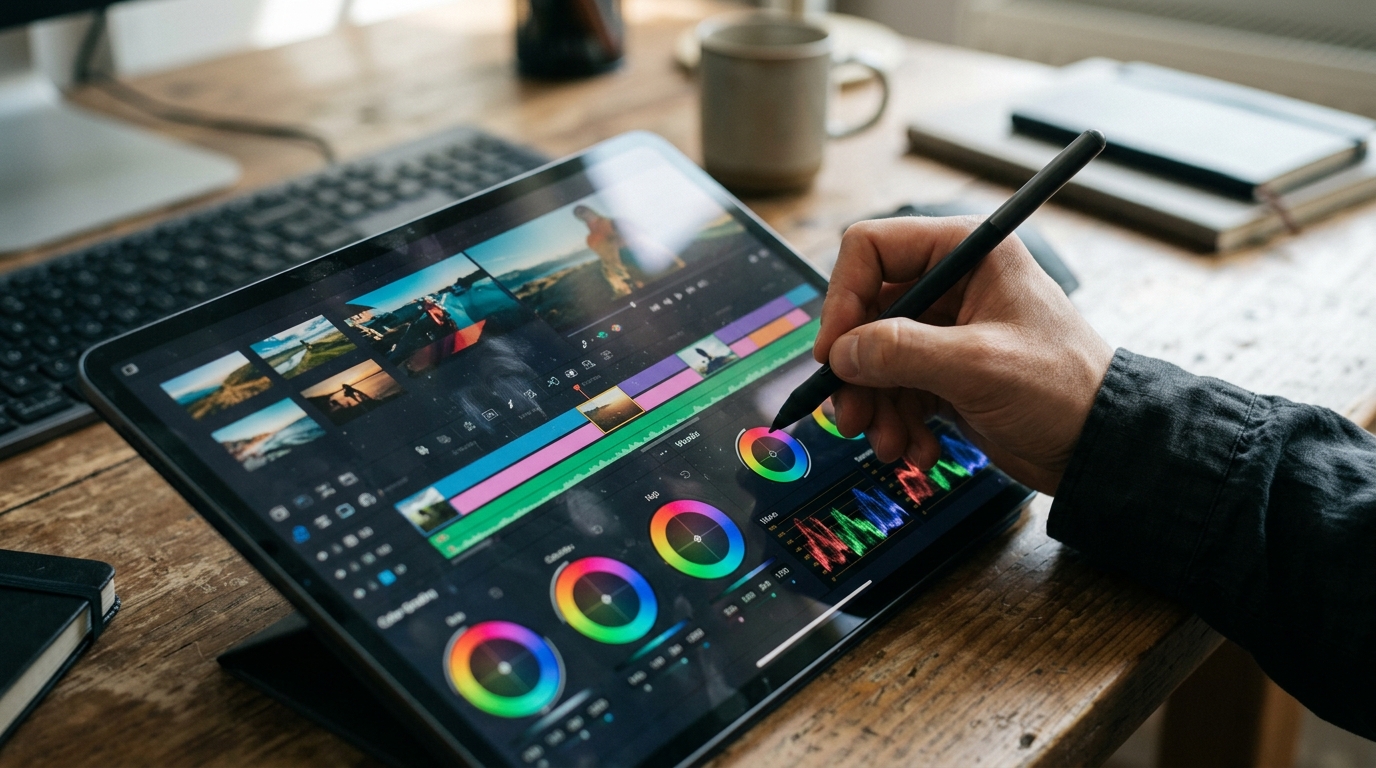
AI Video Maker vs Traditional Production: Budget and Timing Comparison
Comparing AI video maker platforms to traditional production highlights the advantages for brands:
| Factor | AI Video Maker | Traditional Production | Typical Difference |
|---|---|---|---|
| Total Cost (30-60s) | $1,800–$7,500 | $10,000–$45,000+ | 4–8x lower |
| Turnaround Time | 7–15 days | 4–8 weeks | 3–5x faster |
| Core Team Size | 3–5 (creative, prompt, AI ops) | 10–30+ (crew, cast, post) | Up to 6x leaner |
| Revision Rounds | 2–3 (fast, digital) | 1–2 (costly, reshoot risk) | More agile |
| Flexibility (Locations, Visuals) | Unlimited (instant AI access) | Limited (permits, logistics) | AI = no real-world limits |
AI solutions excel in rapid iteration and enable global visual concepts without physical constraints or overhead. Cost breakdowns show AI eliminates location, casting, and set expenses. However, nuanced human direction and complex narrative shoots may still require live production. For marketing teams, this means faster campaigns, lower risk, and scalable creative—ideal for product launches and multi-format delivery. AI video makers aren’t a wholesale replacement, but for most commercial needs, they offer unmatched efficiency and cost control.
Quality and Creativity: What AI Can and Can’t Do for Brand Videos
Having covered cost and speed, let’s look at creative quality. AI video creators deliver speed, consistency, and scalability. Brands can generate multiple video variations in hours and maintain uniform visual quality across formats—9:16 for social, 16:9 for web, high-res stills for campaigns. Automated AI video editor tools streamline edits, color, and sound, handling bulk tasks efficiently.
However, advanced creative direction remains a human strength. AI can combine styles and generate visuals from prompts, but subtle storytelling—capturing emotions, delivering a unique narrative voice, or evoking a specific cultural feel—requires creative oversight. Brand videos with complex metaphors or layered storytelling benefit from human-led concepts and storyboards.
Best use cases for ai video makers include product explainers, social content, rapid A/B testing, and high-volume campaigns where consistency and speed matter. For flagship campaigns or high-stakes storytelling, combining AI output with human creative review yields the strongest results.
Where Human Creativity Still Wins
Human teams bridge gaps AI can’t fill: aligning content with evolving brand strategy, adapting to feedback, and inventing visuals beyond existing data. For brands seeking differentiation, creative direction and narrative innovation remain human strengths that AI tools support but do not replace.
Legal and Commercial Considerations: Rights, White-Label, and Compliance
Ownership of AI-generated content depends on your agreement with the studio or ai video maker platform. With Animagine Solutions, all commercial rights transfer to you after payment, making you the legal copyright holder. This allows unrestricted use in campaigns, social media, and ads, including resale and modification.
White-label production lets agencies deliver finished videos under their own branding, with no visible reference to Animagine Solutions. This is crucial for agencies managing multiple clients or maintaining a seamless brand experience. Ensure white-label terms include non-disclosure and no-showcase clauses.
Compliance covers model/image licensing and generative data sources. Require written assurances that all synthetic assets are cleared for commercial use and free from third-party claims.
Sample Clause: Rights Transfer
“Upon receipt of full payment, all intellectual property and commercial rights to the delivered content, including AI-generated video and stills, are assigned exclusively to the client. Animagine Solutions retains no further rights to use, distribute, or showcase the content unless expressly authorized in writing.”

Choosing the Right AI Video Partner: Practical Tips for Brands
Selecting an AI video maker or agency involves more than price and speed. Evaluate technical capabilities, transparency, support, and rights management. Request portfolios with relevant brand video examples, and insist on a clear workflow—from briefing to delivery and revisions.
Key Questions to Ask Your AI Video Provider
- What is your workflow from briefing to delivery?
Expect a documented process covering concept, storyboard, production, revisions, and handoff.
- How do you handle rights and licensing?
Ensure all commercial rights for generated assets are transferred to your brand upon payment.
- What support is included, and how fast is response time?
Clarify communication channels, feedback turnaround, and included revision rounds.
- Can you provide a detailed, itemized quote?
Ask for a transparent breakdown of costs—creative, production, postproduction, format exports, and any add-ons.
- Which generative technologies do you use, and how do you assure quality?
Request samples and specifics on AI models and human oversight to ensure the end product meets your standards.
Часті запитання
Can AI create realistic videos for brands in 2026?
Yes, by 2026, AI can create highly realistic videos for brands, including lifelike avatars, cinematic environments, and customizable scenes. Advanced platforms use generative AI to produce visuals that closely match real-world footage, supporting a wide range of creative and commercial applications without traditional filming.
Is creating AI-generated videos legal for commercial use?
Creating AI-generated videos is legal for commercial use, provided you have the appropriate rights to any assets, voices, or likenesses used. Most leading AI video makers offer full commercial rights transfer, but it’s important to review each platform’s licensing terms to ensure compliance and avoid copyright issues.
Is there an AI that does video editing as well as generation?
Yes, several AI platforms now offer both video generation and editing features. Tools like InVideo AI and Seedance allow users to generate scenes, edit sequences, add music, voiceovers, and apply color grading—all within a single workflow, streamlining the entire production process for brands and agencies.
Can ChatGPT edit videos for you?
ChatGPT itself cannot directly edit videos, but it can assist by generating scripts, storyboards, or providing editing instructions. For hands-on video editing, you’ll need to use specialized AI video maker platforms, though ChatGPT can integrate with some tools to streamline the creative process.
Which AI video maker is considered best for brands in 2026?
The best AI video maker for brands in 2026 depends on your needs. InVideo AI is favored for rapid branded content, HeyGen excels with realistic avatars, Veo offers cinematic storytelling, and Seedance is ideal for agencies requiring white-label solutions and advanced collaboration.
Головне за хвилину
- Define clear roles and maintain human oversight: Assign responsibilities to the client, creative director, and AI operator/editor for creative alignment and tailored brand results.
- Follow a structured, collaborative workflow: Move step-by-step from briefing to concept, scripting, AI-driven storyboarding, video generation, and multi-format delivery, with built-in review and revision rounds.
- Budget realistically for AI video projects: Factor in creative development, AI tool usage, post-production, and revision cycles; real-world cases show high-quality AI brand videos can be delivered in under two weeks at a fraction of traditional costs.
- Prioritize brand asset integration and rights management: Use platforms that support direct logo, color, and font application, and ensure full commercial rights for all deliverables.
Ready to transform your brand’s video content with next-gen AI tools? Start a project and experience faster, more impactful creative production.
More from the blog
AI video editor vs traditional editing: Which saves more?
AI video editors versus traditional editing: which is more cost-effective? Explore how AI tools can streamline your video production process.

Advertising photography in 2026: How AI changes campaign visuals
AI is revolutionizing advertising photography in 2026, making visuals more creative and affordable. Discover the latest trends and innovations!
Make AI videos: 5 Proven Workflows for Agencies & Creators
Discover five proven workflows to make AI videos efficiently. Perfect for agencies and creators aiming for top-quality results with less hassle.