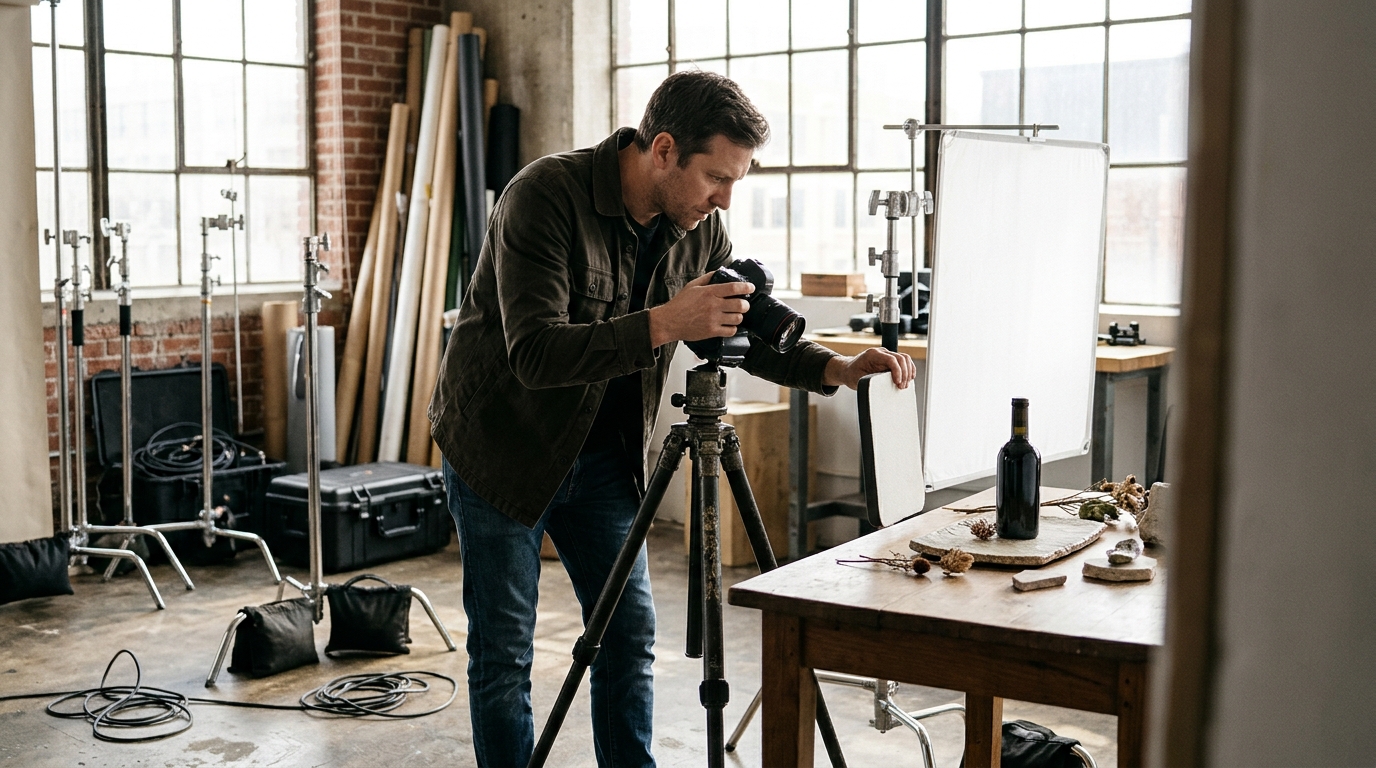
A product photographer creates high-quality images of your products using cameras, lighting, and editing skills to showcase items for ecommerce. In contrast, AI product photography uses artificial intelligence to generate or enhance product images digitally, often without the need for a physical photoshoot.
When choosing between a product photographer and AI product photography for ecommerce, each approach offers distinct advantages. A product photographer delivers authentic, detailed images, while AI tools provide speed, cost savings, and creative flexibility.
Selecting the right method for your product images can significantly impact your ecommerce sales, especially as AI solutions reshape the photography landscape. Let’s explore how both methods work, their pros and cons, and which option best suits your business needs.
What Does a Product Photographer Do and What Is AI Product Photography?
Traditional product photography in ecommerce
A product photographer oversees every stage of visual content creation—from concept to final image. Responsibilities include lighting setup, camera work, styling, and post-production editing for ecommerce, model, and advertising photography. Teams may include art directors, stylists, models, and retouchers. Each shoot requires physical samples, studio space, props, and logistics, with campaigns often lasting several days and budgets starting from hundreds to tens of thousands of dollars.
Introduction to AI product photography
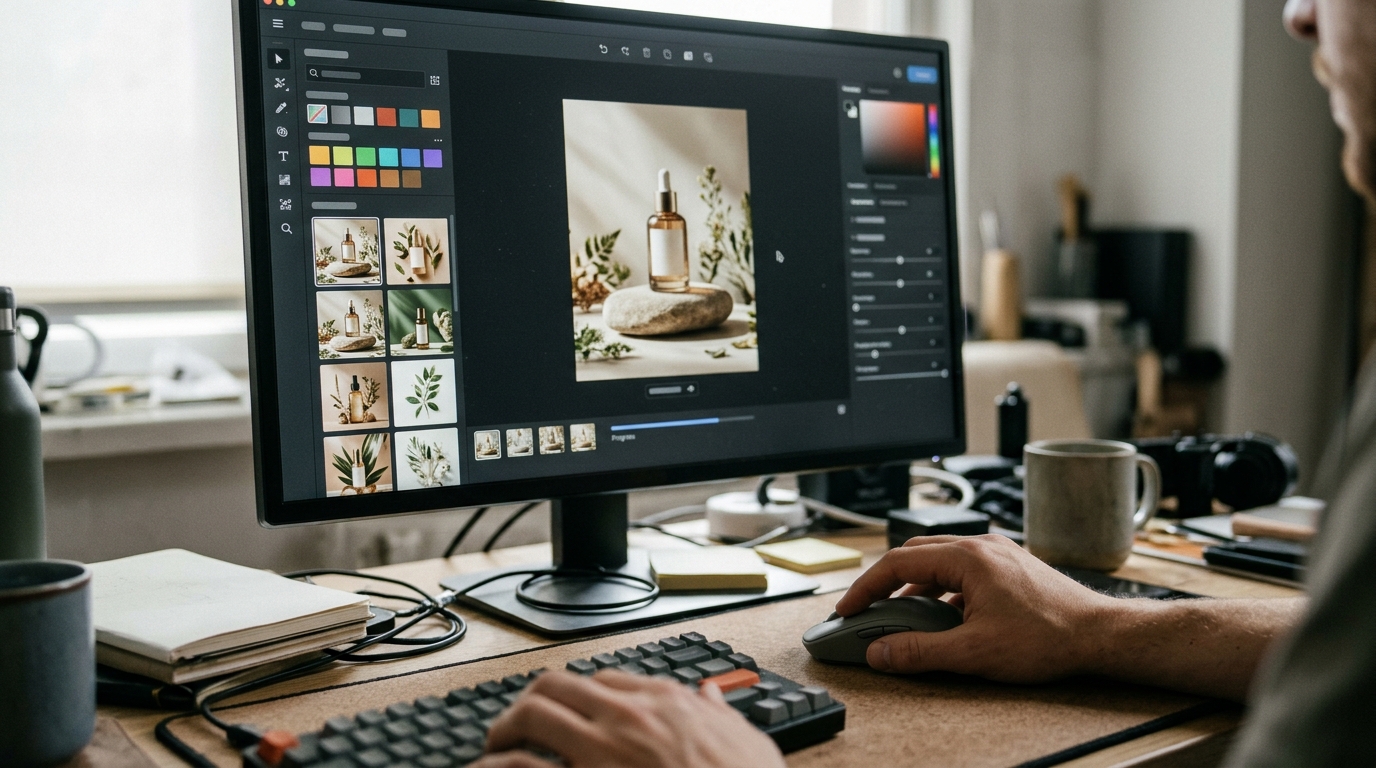
AI product photography leverages generative technologies to create lifelike images without cameras or on-site crews. The process begins with a creative brief and reference images. AI models generate product visuals, simulate real-world lighting, and place products in any virtual environment—be it a minimalist studio or a Paris sunrise. Creative leads and prompt engineers manage the workflow, reducing team size and eliminating shipping or studio costs. Companies like Animagine Solutions use these methods to deliver high-res stills and video content quickly, with full commercial rights. This approach enables scalable, customizable visuals for ecommerce and advertising without logistical barriers.
How Classic and AI Product Photography Work: Step-by-Step Comparison
Transitioning from understanding the basics, it’s important to see how these workflows differ in practice.
Classic product photography workflow
- Storyboard & Concept Development
The process starts with a storyboard and creative concept. The product photographer collaborates with clients to visualize the campaign.
- Shot List Preparation
A detailed shot list is created, specifying angles, props, backgrounds, and lighting setups for each product.
- Casting & Location Scouting
Models are cast and locations are sourced—studio or on-site—depending on the brief.
- Equipment Setup & Shooting
Photographers organize lighting, cameras, and props. The crew—often 5–12 people—executes the shoot.
- Editing & Post-Production
Retouchers handle color grading, background removal, and image refinement. This phase can take several days per batch.
A traditional advertising photography shoot often requires a team of specialists and extensive scheduling.
AI product photography workflow
- Digital Brief Creation
You provide a digital brief: product details, mood, platform requirements, and desired formats.
- Prompt Engineering & Storyboard
Experts translate concepts and shot lists into precise generative prompts and, if needed, digital storyboards.
- Generative Rendering
AI models generate photo-realistic images, creating any visual—such as a Parisian set or futuristic background.
- Review & Iteration
You review renders and request up to two rounds of revisions, refining until the visuals match your vision.
- Delivery in Required Formats
Final images are delivered in all needed ratios and resolutions, ready for immediate use.
AI product photography typically requires a 1–2 person team, reduces production time from weeks to days, and eliminates location, casting, and equipment costs. It’s ideal for scalable and flexible commercial photography projects across any geography.
Quality and Variety: Real Photos vs AI Renders for Ecommerce
After comparing workflows, let’s examine the differences in output quality and creative possibilities.
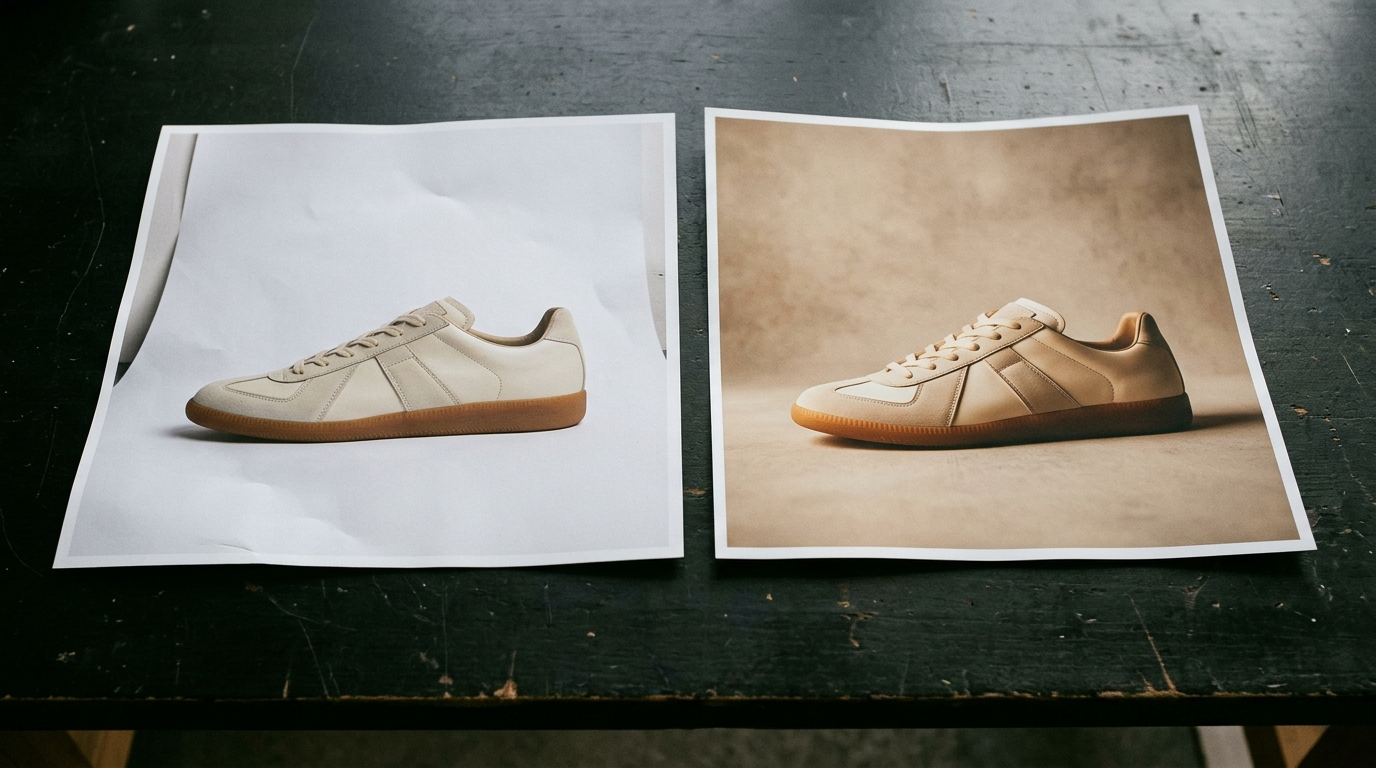
Classic product photography excels in realism—textures, reflections, and subtle imperfections are captured as seen by the eye. However, this realism depends on the product photographer’s skill, available lighting, and post-production. Achieving consistency across a large catalog can be challenging, especially with location or model changes.
AI product photography ensures pixel-level consistency and unlimited creative flexibility. Scene, lighting, and model attributes can be replicated or modified at scale—no reshoots or physical constraints. Brands can generate images with products in Paris at dawn, on Mars, or in a bespoke virtual set, all within a single workflow.
Model photography: human vs AI
Model photography with real people brings authenticity but involves casting, contracts, and logistics. AI product photography with models now achieves skin texture, hair detail, and natural posing nearly indistinguishable from real photos at ecommerce resolutions (1000–2500 px on the longest side). For close-ups or campaigns needing emotional resonance, a hybrid approach—post-processing AI renders or compositing real elements—may be optimal.
Animation and 3D rendering
AI-generated assets are naturally suited for animation and 3D. You can create smooth product spins, dynamic lighting, or animated scenarios without reshoots or prop fabrication. Multi-location shoots become irrelevant: a single product can appear in dozens of environments within hours. Branding elements, props, and color schemes are easily customized, maintaining creative control and brand consistency at every stage.
Production Speed, Scalability, and Cost: Which Delivers More Value?
Now, let’s compare how each method performs in terms of efficiency and budget.
Cost and time comparison
A typical product photographer project—covering briefing, shooting, post-production, and delivery—takes 2 to 4 weeks per batch (20–50 SKUs). Costs start at $50–$200 per image, not including reshoots or additional formats. AI product photography reduces timelines to 2–5 days for similar output, with costs from $20–$60 per image. Pricing is transparent and predictable: revisions, format adaptation (9:16, 1:1, 16:9, high-res stills), and commercial usage rights are often bundled.
| Factor | Product Photographer | AI Product Photography | Notes |
|---|---|---|---|
| Turnaround (20-50 SKUs) | 2–4 weeks | 2–5 days | AI scales with batch size |
| Base Cost per Image | $50–$200 | $20–$60 | Excludes/Includes post, reshoots, formats |
| Reshoots/Revisions | Extra charge, 3–10 days extra | 2 rounds included, 1–2 days | Predictable with AI |
| Multi-format Delivery | Often extra, per format | Included, all platforms | High-res, 9:16, 1:1, 16:9 |
| Commercial Rights | Negotiated, may cost extra | Included by default | Full rights on final payment |
Scaling content production
Scaling with a product photographer requires more studio time, team coordination, and logistics for each new product or platform. Large catalogs (100+ SKUs) increase production time and costs, making frequent content refreshes difficult. AI product photography handles catalog expansion and multi-platform adaptation without bottlenecks; delivery times remain consistent regardless of batch size, and pricing favors volume. This enables ecommerce brands to refresh visuals seasonally, run A/B tests, or localize content for new markets—without unpredictable overruns or hidden fees.
Legal Rights, White-Label Options, and Content Ownership
As you weigh production options, it’s essential to understand content rights and delivery models.
Copyright and usage rights
In traditional commercial photography, copyright initially belongs to the product photographer unless contractually transferred. Clients must secure a copyright transfer or explicit usage license for commercial use, especially in advertising photography. With AI product photography by Animagine Solutions, all commercial rights are contractually transferred to the client upon full payment, covering global usage without limitations on media or duration. Delivered files include high-res stills and all required aspect ratios, ensuring instant compliance with ecommerce and ad platform policies.
White-label production explained
White-label production allows agencies to present AI-generated content as their own, with or without NDA coverage. Animagine Solutions supports white-label partnerships, delivering unbranded visuals, layered files, and editable content packages. NDAs are available for clients needing confidentiality during co-production or when representing global brands. All deliverables remain free of third-party claims, and the final client receives exclusive ownership and usage rights, streamlining integration into any commercial workflow.
Real-World Examples: AI Product Photography in Action
Let’s look at how AI product photography performs in real business scenarios.
Case study: Animagine Solutions
A DTC cosmetics brand needed over 10 product visuals for a new line—each in unique environments, including a Parisian café at sunrise, a minimalist studio, and a tropical beach. Traditional production would require international location scouts, permits, on-site crews, and model casting—projected timeline: 5+ weeks, budget: $18,000+. Animagine Solutions used AI product photography to deliver all requested images and two animations in 6 days, cutting costs by over 60%.
The team worked from a client-approved shot list and storyboard, specifying product angles, model demographics, and lighting moods. AI-generated visuals matched the brand’s style guide and included custom backgrounds, stylized reflections, and diverse models—no travel or physical props required. Animations incorporated product swirls and dynamic lighting, supplied in 9:16 and 1:1 formats for immediate use.
Portfolio results showed no significant drop in conversion compared to real photos; clients cited greater creative control and near-instant iteration. This case highlights how AI workflows expand what a product photographer can achieve—especially for brands seeking speed and variety at scale.
Storyboard and shot list sample
- Visual 1: Lipstick on marble table, Paris café backdrop, golden hour, female model, close-up
- Visual 2: Serum bottle, tropical leaves, sunlight, water mist effect, no model
- Visual 3: Moisturizer, minimalist studio, soft daylight, Asian male hand, product top-view
- Animation: Lipstick opening, swirling pigment, seamless loop, 9:16 format
These assets were generated, revised, and delivered—with commercial rights—in under a week.
How to Order AI Product Photography: Checklist for Ecommerce Brands
To ensure a smooth experience with AI product photography, use this checklist:
- Define your objectives and visual style; gather reference imagery if available.
- Prepare a detailed brief: specify product SKUs, required angles, backgrounds, and usage formats (e.g., 1:1, 16:9, vertical).
- Collaborate on prompt creation, emphasizing brand guidelines, color palettes, and mood.
- Approve the initial storyboard or moodboard before production.
- Set review milestones: confirm two feedback rounds are included in the delivery timeline.
- Validate licensing terms—ensure full commercial rights transfer post-payment.
- Request sample outputs for quality assurance before full-scale production.
- Ask your provider: What is the turnaround time? How are revisions handled? What is the policy for reshoots or re-generations?
- Align on delivery formats, resolutions, and any white-label requirements if working as an agency.
Часті запитання
What skills are essential for a successful product photographer?
A successful product photographer needs strong technical skills in lighting, camera operation, and post-production editing. Creativity, attention to detail, and the ability to work closely with clients and stylists are also crucial for producing high-quality ecommerce images.
How does a product photographer collaborate with other professionals during a shoot?
A product photographer often collaborates with art directors, stylists, models, and retouchers. This teamwork ensures that the creative vision is maintained throughout concept development, shooting, and editing, resulting in cohesive and compelling product imagery for ecommerce or advertising.
Can product photographers specialize in certain industries or products?
Yes, product photographers can specialize in specific industries such as fashion, electronics, food, or cosmetics. Specialization allows them to develop expertise in lighting, styling, and shooting techniques tailored to the unique requirements of each product category.
What equipment do professional product photographers typically use?
Professional product photographers typically use high-resolution cameras, a variety of lenses, studio lighting equipment, tripods, and backdrops. They may also employ specialized gear like macro lenses for small items and tethering software for real-time image review during shoots.
Are there eco-friendly practices in product photography?
Yes, eco-friendly practices in product photography include using energy-efficient LED lighting, reusing props and backgrounds, minimizing waste during shoots, and opting for digital delivery over printed proofs. These steps help reduce the environmental impact of traditional product photography workflows.
Головне за хвилину
- Choose classic product photography when you need realism, tactile detail, or emotional storytelling—especially for luxury or high-res campaigns.
- Opt for AI product photography to rapidly scale visuals, control costs, and create diverse settings or scenarios without logistical overhead.
- Use a hybrid approach for maximum flexibility: combine real and AI assets for authenticity and creative freedom, particularly in model or complex product shots.
- Evaluate project needs by considering speed, budget, and desired output variety. Match the method to your ecommerce goals.
Both methods have clear strengths. If you need efficiency, scalability, and creative control, AI product photography is the modern solution. Ready to elevate your ecommerce visuals? Start a project.
More from the blog
AI video editor vs traditional editing: Which saves more?
AI video editors versus traditional editing: which is more cost-effective? Explore how AI tools can streamline your video production process.

Advertising photography in 2026: How AI changes campaign visuals
AI is revolutionizing advertising photography in 2026, making visuals more creative and affordable. Discover the latest trends and innovations!
Make AI videos: 5 Proven Workflows for Agencies & Creators
Discover five proven workflows to make AI videos efficiently. Perfect for agencies and creators aiming for top-quality results with less hassle.