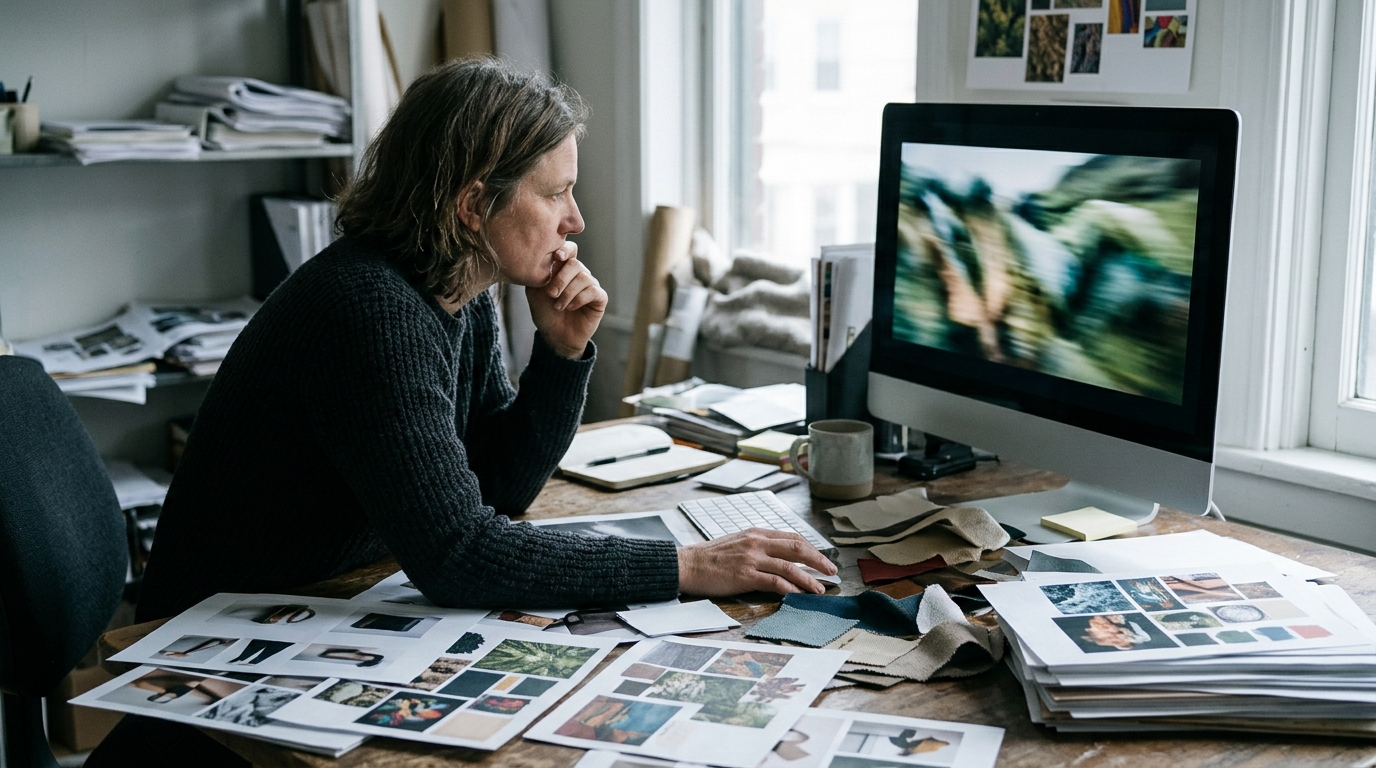
Launching a new collection or campaign, but don’t have time or budget for a full video shoot? Image to video AI lets you quickly and effortlessly create commercial-quality videos using just your product photos. If you’re wondering how to instantly transform images into engaging videos for your brand—without a studio or a big production team—image to video AI is the fastest, most cost-effective solution.
AI-driven tools now make it possible to generate high-impact visuals that look professional and help your business stand out. Below, you’ll find how to leverage this technology, best practices, and actionable steps to maximize your photos for a successful campaign.
Understanding Image to Video AI: How It Works and Why It Matters for Business
What is image to video AI?
Image to video AI transforms static images into dynamic video content using generative AI models. These systems analyze one or more photos, predict realistic motion, and interpolate frames to create fluid, lifelike video. Deep learning algorithms map poses, lighting, and camera movements, producing results that mimic traditional video shoots—without a camera or physical set. Modern image to video AI tools support commercial formats (9:16, 1:1, 16:9, high-res stills), making them ideal for campaigns and product launches.
Why brands are adopting AI video tools
For brands and e-commerce, speed and scale are critical. Generative AI-powered video drastically reduces production timelines—weeks drop to days or even hours. No location scouting, crew, or equipment rental means lower costs and fewer logistics. AI video production offers creative control: direct the look, mood, and setting digitally, from Paris at dawn to custom-designed environments. Output is consistent, editable (with included revision rounds), white-labeled, and delivered with all commercial rights. For e-commerce video and branded content, AI enables rapid iteration and adaptation, supporting agencies and brands aiming to stay ahead.
Transitioning from understanding the technology, let’s explore which tools best fit your business needs.
Top AI Image to Video Generators: Features, Pricing, and Business Fit
Selecting the right image to video generator is critical for commercial results. Here’s a comparison of seven leading platforms on features, pricing, and ideal use cases. Each offers a unique balance of automation, creative control, and export options.
JoyPix delivers rapid picture to video AI with storyboard-based customization and unlimited commercial rights. Pricing starts at $29/month, with a limited free plan for exploring basic features. Best for agencies handling multiple clients and brands seeking consistent visual identity.
Canva integrates image to video AI into its design suite, supporting drag-and-drop workflows and basic motion presets. Free version covers entry-level features; Pro unlocks advanced animation and export formats at $12.99/month. Ideal for solo creators and marketers needing fast turnarounds.
Kling offers high-fidelity AI video generation from a single image, focusing on cinematic effects. No free plan; pricing is custom for enterprise. Suited for studios and brands demanding premium production value.
Veo and MindVideo both prioritize generative storytelling from user photos, with Veo offering API integration for workflow automation. Veo’s plans start at $49/month (no free), while MindVideo has an ai image to video free trial and $19/month for commercial use. Veo fits agency pipelines; MindVideo appeals to independent creators.
Magic Hour specializes in mood-driven video transitions and unique visual locations. Free version is watermarked; Pro starts at $24/month. Great for brands and agencies needing flexibility in visual style.
Free versions are suitable for prototyping and personal projects but often restrict export quality, watermark removal, and usage rights. Paid tiers add higher resolution, priority rendering, and full commercial licensing—essential for business use.
Comparison table: Best AI image to video tools
| Tool | Key Features | Free Version | Best For |
|---|---|---|---|
| JoyPix | Storyboard, commercial use, batch export | Limited (watermark) | Agencies, brands |
| Canva | Easy UI, basic effects, templates | Yes (limited) | Solo creators, marketers |
| Kling | Cinematic quality, custom models | No | Brands, studios |
| Veo | API, workflow automation | No | Agencies, automation |
| MindVideo | Story-driven, affordable | Trial | Indie creators, small biz |
| Magic Hour | Visual moods, location simulation | Yes (watermark) | Brands, agencies |
Now that you know the best tools, let’s ensure your photos are ready for AI video generation.
Checklist: Preparing Your Photos for AI Video Generation
- Use lossless formats (PNG, TIFF) or high-quality JPEGs; aim for minimum 2048px on the shortest side for high-res stills and flexible content delivery formats.
- Choose clean, uncluttered backgrounds; avoid distractions that could confuse the AI model or dilute your message.
- Ensure even lighting across subjects; eliminate harsh shadows or blown highlights to prevent artifacts.
- Frame subjects centrally with clear separation from the background; maintain consistent composition across all photos intended for a single video.
- Confirm you have full commercial rights to every image; avoid stock photos with restricted licenses or third-party content without a clear chain of rights.
- Double-check for watermarks, low-res files, or compression artifacts—these reduce output quality and may cause errors in the image to video AI process.
With your assets prepared, you’re ready to create your video. Here’s a step-by-step guide.
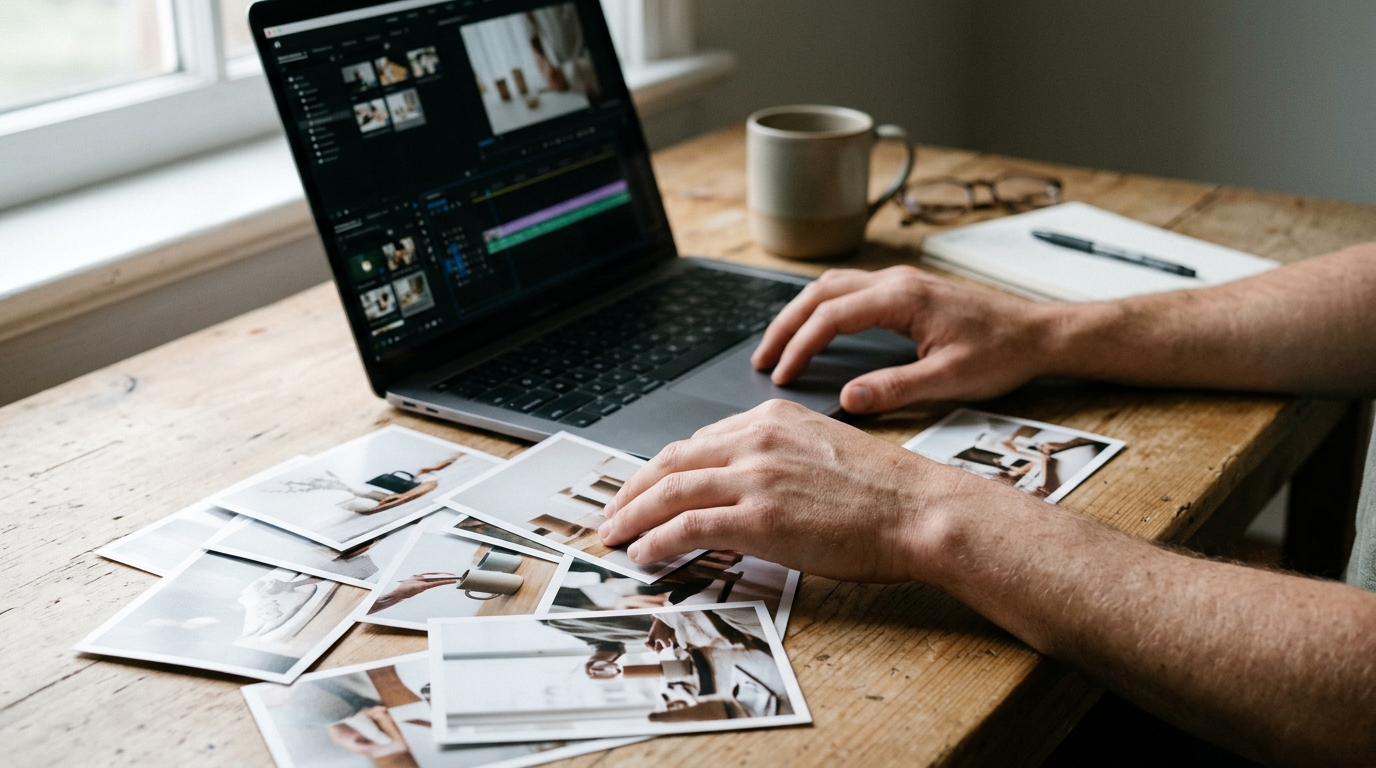
Step-by-Step Guide: Creating a Commercial Video from Product Photos Using AI
- Select and Upload High-Quality Images
Choose product photos that are sharp, well-lit, and professionally styled. Upload them directly into your chosen image to video AI platform; for best results, use 2048px+ resolution and uncluttered backgrounds.
- Choose the Right AI Tool and Settings
Opt for a generator that supports commercial licensing and advanced customization. Set your aspect ratio—9:16 for stories, 1:1 for feeds, or 16:9 for landscape ads. Enable motion, transitions, and branding overlays as needed.
- Write Effective Prompts by Video Type
Craft concise, visual prompts tailored to your use case. For a lookbook: “Showcase modern sneakers in a rotating 3D animation, concrete studio background, dynamic lighting.” For a promo: “Highlight key features with bold text overlays and fast-paced transitions.” For an animation: “Visualize the product in action, animated model in a Paris dawn setting.”
- Refine with Storyboard or Shotlist
Use the platform’s storyboard feature to sequence product shots and specify key moments (e.g., close-ups, logo reveals, call-to-action screens). This ensures narrative flow and alignment with your brand vision.
- Export and Format for Business Use
Select output formats matching your campaign: MP4 for ads, vertical or square for social, high-res stills for print. Most ai image to video platforms support quick resizing and multi-format export. Always verify video quality and branding before publication.
Example prompts for e-commerce videos
- “Animated reveal of luxury watch, black marble background, gold accent lighting, slow pan, logo fade-in at end.”
- “Dynamic montage of skincare products, soft pastel backdrop, key benefits as animated text, upbeat soundtrack.”
To see this workflow in action, let’s look at a real-world example.
Real-World Case Study: Launching a New Collection with AI-Generated Video
A US-based DTC fashion brand approached Animagine Solutions to launch their spring collection with a fast turnaround and global visual appeal—without a physical photoshoot. The objective: generate e-commerce video assets from static lookbook images, with multiple aspect ratios for paid ads, organic social, and retail partners.
The workflow started with a client brief and curated selection of 12 high-res product shots. Using image to video AI, Animagine’s creative team crafted a storyboard, then generated motion sequences: models walking, clothing details in close-up, and background transitions from Parisian sunrise to minimalist studio. The AI video production process took four business days, with two rounds of targeted revisions. Deliverables included three e-commerce videos (16:9, 1:1, 9:16) and high-res stills, all ready for immediate deployment.
Results and key takeaways
Compared to last year’s traditionally shot campaign, the client saved 68% on production costs and cut lead time from three weeks to five days. Video engagement rates on Instagram and TikTok grew by 40–55%. Key hacks: use moodboards for AI prompt clarity, pre-test short video loops for pacing, and always request layered files for last-minute edits. This business case shows how image to video AI can radically accelerate e-commerce video campaigns while delivering flexible, on-brand results.
As you plan your own campaign, it’s important to avoid common mistakes and legal pitfalls.
Avoiding Common Pitfalls: Mistakes and Legal Considerations with AI Image to Video
AI-powered image to video workflows can expose your brand to technical and legal risks if not managed properly. Common technical issues include motion blur, unnatural transitions, frame artifacts, and mismatched aspect ratios—especially when converting static product images. Many platforms restrict video length (typically 15–60 seconds), which can limit campaign flexibility. Always validate video outputs on the target platform (Meta, TikTok, Amazon) to catch compression or playback errors before launch.
Legal checklist for commercial AI videos
Before publishing, ensure your image to video AI content meets these commercial rights and compliance criteria:
- Source material rights: Confirm you have rights for all images, including stock or user-supplied photos, for commercial use.
- Model/data licenses: Check that the AI platform’s output is cleared for commercial purposes; some models restrict usage.
- White-label production: For agencies, verify options for unbranded video delivery and seamless client integration.
- Platform policies: Review ad and listing policies for each destination—some ban AI-generated faces or require disclosure.
- Copyright transfer: Ensure contractually that all commercial rights pass to you or your clients upon payment.
- Data privacy: Avoid using personal or sensitive images unless explicit consent and compliance steps are in place.
Following this checklist reduces risk and streamlines compliance for e-commerce and creative agencies, ensuring the commercial viability of your AI-generated video content.
With risks addressed, let’s look at how to maximize business impact with your new videos.
Maximizing Business Impact: Where and How to Use AI-Generated Videos for Brands
Deploy AI-generated videos on Instagram and TikTok to boost organic reach—short formats (9:16, 15-30 seconds) drive engagement and can be auto-optimized for each platform. For paid ads, use bold, concise e-commerce video content tailored to audience pain points; test multiple versions (A/B) and analyze click-through and conversion rates weekly. Landing pages benefit from looping hero videos (16:9 or 1:1) that highlight product benefits in under 20 seconds—these can increase dwell time and direct CTA performance.
In email marketing, embed lightweight AI videos as animated GIFs or linked MP4s to lift open-to-click rates; ideal length: under 10 seconds. Track performance per channel with UTM tags and analytics dashboards, then iterate creative based on audience retention and sales data. Optimize every asset in delivery-ready content delivery formats for seamless cross-channel deployment and scalable impact.
When your needs exceed what DIY tools can offer, it may be time to bring in professionals.
When to Call in the Experts: Professional AI Video Production for Brands and Agencies
Self-serve image to video AI tools quickly hit their limits with complex briefs, multi-format delivery, or strict brand guidelines. DIY platforms rarely offer full creative direction, custom scripting, or advanced editing—essential for high-stakes campaigns and agency white-label production. Expert-led AI video production teams like Animagine Solutions deliver bespoke concepts, legal-safe assets, and output in all required formats (9:16, 1:1, 16:9, high-res stills). Agencies benefit from true white-label production, two included revision rounds, and guaranteed commercial rights transfer. Brands receive content crafted by real people—not just algorithms—tailored for commercial impact across platforms.
Часті запитання
What are the best AI services for creating business videos from photos?
The best AI services for creating business videos from photos include JoyPix, Canva, Kling, Veo, MindVideo, and Magic Hour. Each offers unique features such as storyboard customization, cinematic effects, and commercial licensing, making them suitable for agencies, brands, and solo creators depending on specific business needs.
Can AI-generated videos be used in advertising without copyright issues?
Yes, AI-generated videos can be used in advertising if you ensure that all source images and any included assets are fully licensed for commercial use. Always check the platform’s licensing terms and avoid using copyrighted or restricted content to prevent potential copyright infringements.
What common mistakes occur when making AI videos from photos?
Common mistakes when making AI videos from photos include using low-resolution or watermarked images, ignoring aspect ratio requirements for platforms, and neglecting to secure proper commercial rights. Additionally, failing to provide clear prompts or storyboards can lead to off-brand or incoherent video outputs.
How does a DIY photo-to-video AI project differ from a professional production?
DIY photo-to-video AI projects are typically faster and more cost-effective but may lack the polish, advanced editing, and custom animations of professional productions. Professional studios offer creative direction, bespoke visuals, and higher-quality post-production, resulting in videos tailored precisely to brand standards.
Can AI-generated videos be exported in formats suitable for Instagram, TikTok, or YouTube?
Yes, most AI image to video platforms allow you to export videos in multiple aspect ratios and resolutions, including 9:16 for Instagram Stories and TikTok, 1:1 for Instagram Feed, and 16:9 for YouTube. This ensures your content is optimized for each major social platform.
Головне за хвилину
- Choose high-quality, well-lit images with clean backgrounds and clear subject separation to ensure smooth, artifact-free AI video generation.
- Select an AI image to video tool that matches your business needs, prioritizing commercial licensing, desired aspect ratios, and relevant export options.
- Prepare and check your assets for resolution, rights, and absence of watermarks or compression issues to guarantee professional results.
- Leverage commercial AI video platforms for rapid, cost-effective content creation, enabling faster campaign launches and scalable production.
By following these key steps, your team can transform static product photos into engaging, commercial-ready videos in a fraction of the usual time. Ready to elevate your visual marketing? Start a project today and unlock the power of image to video AI.
More from the blog
AI video editor vs traditional editing: Which saves more?
AI video editors versus traditional editing: which is more cost-effective? Explore how AI tools can streamline your video production process.
Advertising photography in 2026: How AI changes campaign visuals
AI is revolutionizing advertising photography in 2026, making visuals more creative and affordable. Discover the latest trends and innovations!
Product photographer or AI product photography: Which works for ecommerce?
Explore whether a product photographer or AI product photography is best for ecommerce. Compare benefits, costs, and creative options for online stores.